
Description
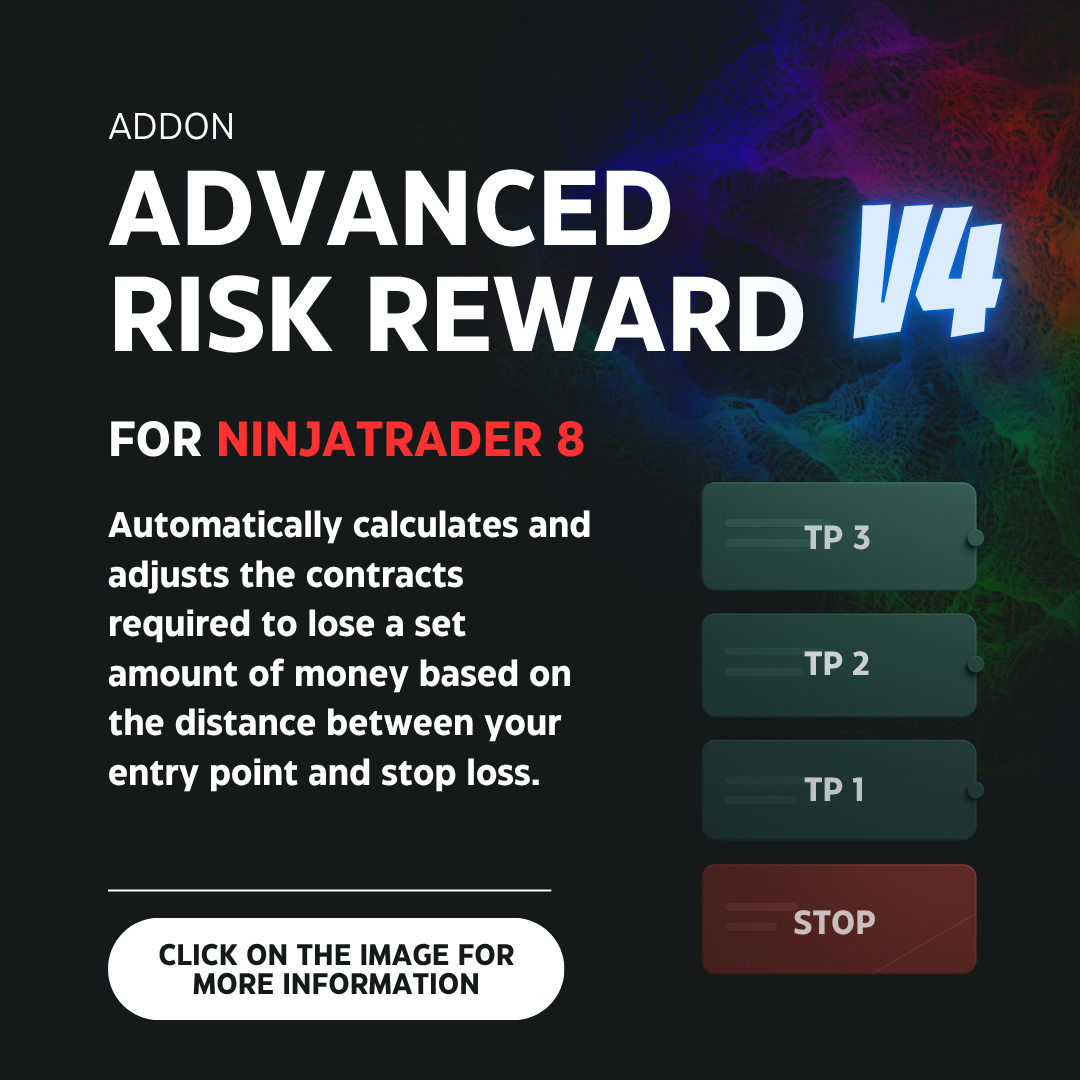
Advanced Risk Reward V4 for NinjaTrader 8
Advanced Risk Reward V4 is a professional tool for NinjaTrader 8 designed to help you trade with more clarity, more speed, and less mental load.
Its main goal is to solve several practical limitations that many traders face when trading directly with NinjaTrader: manual contract calculation, limited target distribution in the traditional ATM system, the risk of submitting orders with outdated quantities, uncomfortable stop-loss management, and the restrictions of the native trailing stop.
In a real trading environment, the market is constantly moving. While you are deciding whether to enter a trade or not, you also need to calculate how many contracts to use, how much money you are risking, how to distribute your contracts across targets, where to place the stop, when to protect the position, and how to adjust everything if price changes.
Advanced Risk Reward V4 was created to reduce that friction. The tool allows you to define your risk, targets, stops, breakeven, and trailing logic in templates, and then apply that logic directly on the NinjaTrader 8 chart.
What NinjaTrader problems does it solve?
1. It avoids manual contract calculation while the market is moving
One of the biggest difficulties in NinjaTrader is that, if you want to risk a fixed amount of money per trade, you normally need to manually calculate how many contracts to use based on the distance between your entry and your stop loss.
For example, if you want to risk 200 dollars per trade, you will not always use the same number of contracts. If the stop is closer, you may be able to use more contracts. If the stop is farther away, you should use fewer contracts.
Doing this calculation manually during live trading can be slow, uncomfortable, and risky, especially when the market is moving quickly.
Advanced Risk Reward V4 automatically calculates the number of contracts that corresponds to the real distance between your entry and your stop loss.
- It can calculate contracts using a fixed money risk.
- It can calculate contracts using a percentage of the account.
- It can respect a maximum number of contracts configured by the trader.
- It can apply a custom rounding rule.
- It can automatically update the quantity in Chart Trader.
2. It helps prevent Chart Trader from using an outdated quantity
When the tool calculates contracts dynamically, the correct quantity can constantly change depending on the distance between the entry and the stop.
The problem is that, if you use NinjaTrader’s traditional buttons to submit a limit or stop order, NinjaTrader sends the order with the quantity that existed exactly at the moment of the click.
If the quantity changes afterward, you may end up with an order submitted with an old or outdated quantity.
Advanced Risk Reward V4 includes special Buy ST/LT and Sell ST/LT buttons to work better in this type of dynamic trading environment.
These buttons allow you to create a waiting line that stays synchronized with the current Chart Trader quantity. When you decide to submit the order, it is sent with the correct quantity at that exact moment.
The tool also automatically identifies the order type depending on where you place the line:
- For BUY, if the line is above the current price, it is interpreted as a stop market order.
- For BUY, if the line is below the current price, it is interpreted as a limit order.
- For SELL, if the line is below the current price, it is interpreted as a stop market order.
- For SELL, if the line is above the current price, it is interpreted as a limit order.
3. It improves contract distribution compared to the traditional ATM
The traditional NinjaTrader ATM works well in many cases, but it has an important limitation: it is mainly designed for situations where you already know from the beginning exactly how many contracts you are going to trade.
When the number of contracts changes dynamically according to risk, the correct distribution across targets should also change. For example, if one trade requires 5 contracts and another requires 12, the correct way to distribute those contracts across your targets may be completely different.
Doing that distribution manually in real time is not practical.
Advanced Risk Reward V4 allows you to define in advance how you want to distribute your contracts across targets.
- Equivalent proportion: distributes contracts evenly across the active targets.
- Fixed contract quantity: allows you to define how many contracts you want to assign to each target.
You are not forced to use all visible targets. You can have multiple targets drawn on the chart and decide which ones actually participate in the contract distribution. Targets that do not participate can remain as visual references.
4. It turns visual levels into an operational structure
In NinjaTrader, traders often draw visual levels on one side and configure orders on another. This can create differences between what is seen on the chart and what is actually executed.
Advanced Risk Reward V4 aims to align the visual tool with the operational logic.
The tool allows targets and stops to be placed at the levels defined inside the Advanced Risk Reward structure. This way, the visual structure of the trade becomes a real reference for trade management. You can also configure whether you want targets and stops to remain locked to the tool’s levels when you move or modify the structure during the trade.
5. It solves the inconvenience of manually moving the stop to breakeven
In a real trade, protecting the position can be uncomfortable if you need to manually move the stop loss to the exact entry price, or a few ticks above or below it. That manual movement can take away your focus, cost time, or cause mistakes.
Advanced Risk Reward V4 includes one-click manual breakeven.
You can configure a tick offset so the stop is placed exactly where you want it:
- At the entry price.
- A few ticks above the entry.
- A few ticks below the entry.
6. It goes beyond the rigidity of the traditional trailing stop
The traditional NinjaTrader trailing stop is often limited for traders who do not want to work only with fixed tick distances. In practice, not all trades have the same structure: some have wider stops, others have smaller stops, some targets are closer, and others are farther away.
Advanced Risk Reward V4 includes an advanced auto-trailing stop with three working modes:
- Ratios: allows the stop to move when price reaches specific tool ratios.
- Ticks: allows you to create rules based on the number of ticks price has moved from entry.
- Percentages: allows you to work with percentages inside zones formed between the tool’s levels.
This allows you to create a much more flexible, proportional, and trade-adapted stop-loss management system.
Main features of Advanced Risk Reward V4
Automatic contract calculation
The tool can automatically calculate how many contracts you should use according to the risk you want to take and the distance between your entry and your stop loss.
- Fixed money risk.
- Risk based on account percentage.
- Configurable maximum number of contracts.
- Configurable rounding rule.
- Automatic update in Chart Trader.
Simple mode
Simple mode works as a visual measuring tool. It allows you to draw a risk-reward structure with multiple ratios, targets, and stops without affecting your trading operation. This mode does not modify contracts, does not manage orders, does not use ATM, and does not run automations. It is ideal for analyzing scenarios, measuring possible entries, or studying chart zones.
Advanced mode
Advanced mode is the operational mode of the tool. It allows you to connect the visual Advanced Risk Reward structure with features such as contract calculation, Chart Trader, target distribution, ATM strategy, breakeven, and auto-trailing stop.
Custom templates
You can create different templates according to your trading style. Each template can save settings such as:
- Price following.
- Contract calculation.
- ATM strategy configuration.
- Target distribution.
- Manual breakeven.
- Auto-trailing stop.
- Target ratios.
- Stop ratios.
- Visual configuration of the tool.
This allows you to have one template for scalping, another for wider trades, another for a funded account, or any configuration that fits your trading style.
Automatic price following
Advanced Risk Reward V4 can automatically move the visual entry point of the tool as the market moves. This avoids the need to manually reposition the tool all the time.
Price following can be configured in two ways:
- On each tick change: the entry updates with each market movement.
- On bar close: the entry updates only when a bar closes.
You can also decide how the stop loss behaves during price following:
- Structure stop: the stop remains fixed and only the entry point moves.
- Fixed distance stop: the entry and stop move while preserving the same separation.
Integrated ATM strategy
The tool is designed so that target and stop management stays consistent with the visual levels defined on the chart. Advanced Risk Reward V4 allows you to work with a structure where targets and stops are placed at the tool’s levels, helping keep visual planning aligned with trade management.
Target distribution
Contract distribution across targets can be configured in advance.
- Equivalent proportion: distributes contracts evenly across the active targets.
- Fixed contract quantity: allows you to define how many contracts you want to assign to each level.
You can also choose which targets participate in the real distribution and which ones remain only as visual references.
Buy ST/LT and Sell ST/LT buttons
These buttons help prevent an order from being submitted with an outdated contract quantity. The waiting line stays synchronized with the current Chart Trader quantity and, when the order is submitted, it uses the correct quantity at that exact moment.
Invert L/S button
Allows you to quickly invert the tool direction from long to short, or from short to long, without manually redrawing the entire structure.
Manual breakeven
Allows you to move the stop loss to breakeven with one click. It also allows you to configure a tick offset so the stop is placed exactly where you want it relative to the entry.
Auto-trailing stop by Ratios
Allows you to create step-based rules using the tool’s ratios. For example:
- When price reaches Ratio 1, move the stop to Entry + 1 tick.
- When price reaches Ratio 2, move the stop to Ratio 1 + 1 tick.
- When price reaches Ratio 3, move the stop to Ratio 2 + 1 tick.
This mode is ideal for traders who manage their trades using risk multiples.
Auto-trailing stop by Ticks
Allows you to create rules based on how many ticks price has moved from entry. For example:
- When price moves 10 ticks, move the stop to 0 ticks from entry.
- When price moves 20 ticks, move the stop to 5 ticks from entry.
- When price moves 30 ticks, move the stop to 12 ticks from entry.
Auto-trailing stop by Percentages
This mode allows you to work with percentages inside zones. A zone is the space between two tool levels. For example, between Entry and Ratio 1, between Ratio 1 and Ratio 2, or between Ratio 2 and Ratio 3.
With this mode, you can create rules such as: when price reaches 50% of Zone 2, move the stop to 50% of Zone 1.
This allows for more proportional management and is less rigid than working only with ticks or exact ratios.
Visual customization
Advanced Risk Reward V4 allows you to customize the visual side of the tool so it fits the way you read the chart.
- Number of visible targets.
- Number of visible stops.
- Ratios for each target.
- Ratios for each stop.
- Zone colors.
- Opacities.
- Line styles.
- Line extension to the right or left.
- Information visible on the chart.
- Display of prices, ticks, points, risk, and objective.
Why use Advanced Risk Reward V4?
Because NinjaTrader is a very powerful platform, but many risk management tasks still depend too much on manual work from the trader. Advanced Risk Reward V4 helps cover that gap.
The tool is not intended to replace your strategy. On the contrary, it is designed to help you execute the rules you have already defined more effectively.
Instead of spending time calculating contracts, modifying quantities, manually distributing targets, or moving stops with precision under pressure, you can configure your logic and apply it directly on the chart.
This can help you trade with:
- More order.
- More speed.
- Less mental load.
- Better risk control.
- Fewer manual mistakes.
- Greater consistency between your planning and your execution.
Included feature summary
- Advanced Risk Reward tool for NinjaTrader 8.
- Chart Trader integration.
- Button to draw the advanced tool.
- Button to draw the simple tool.
- Simple visual measuring mode.
- Advanced operational mode.
- Automatic contract calculation.
- Fixed money risk.
- Risk by account percentage.
- Maximum contract limit.
- Configurable rounding rule.
- Automatic contract update in Chart Trader.
- Automatic price following.
- Following by tick or by bar close.
- Structure stop.
- Fixed distance stop.
- Integrated ATM strategy.
- Placement of targets and stops at tool levels.
- Locking TP/SL to levels during modifications.
- Target distribution by equivalent proportion.
- Target distribution by fixed contract quantity.
- Selection of participating targets.
- Buy ST/LT and Sell ST/LT buttons.
- Automatic recognition of stop or limit orders.
- Invert Long/Short button.
- One-click manual breakeven.
- Configurable breakeven offset.
- Auto-trailing stop by ratios.
- Auto-trailing stop by ticks.
- Auto-trailing stop by percentages and zones.
- Custom templates.
- Configurable visual design.
- Customizable visual targets and stops.
- Configuration of colors, lines, and opacity.

Reviews
There are no reviews yet.